Document Digitization and Processing for SharePoint
Scan, OCR, upload, and print documents with ease while maintaining complete data privacy
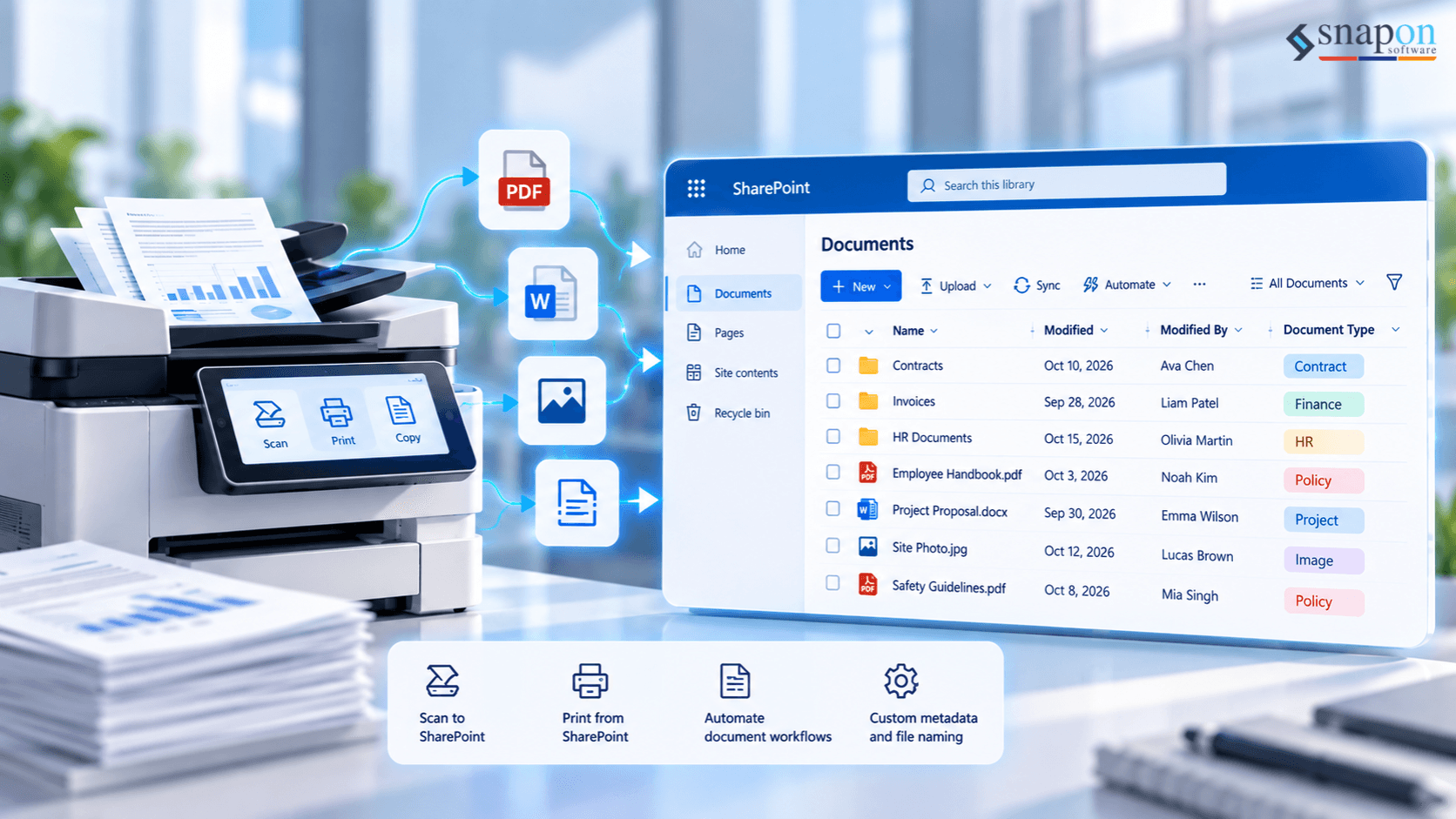
Scan, Digitize and Print Documents Directly in SharePoint
Turn physical documents into searchable, organized digital files and create professional PDFs from your SharePoint content—all without complicated manual processes.
SnapOn Software Scan & Print brings document scanning, OCR, metadata capture, PDF creation and printing directly into your SharePoint environment, helping teams reduce manual document handling while keeping sensitive information within their Microsoft 365 environment.
Digitize Documents Without the Manual Work
Scanning documents into SharePoint can involve several repetitive steps: scanning files locally, uploading them into SharePoint, naming and organizing them, and manually entering metadata.
Scan & Print simplifies the process by connecting document scanning directly with SharePoint.
Scan documents into the SharePoint list, library or folder where they belong, convert scanned content into searchable files with OCR, and automatically capture important information as SharePoint metadata.
The result is a faster way to turn physical documents into organized, usable digital content.
Scan Directly to SharePoint
Capture physical documents and upload them directly into SharePoint using TWAIN or WIA-compatible scanners.
Batch scan multiple pages and choose whether to create individual files or combine pages into a single document. Scan & Print supports common file formats including PDF, TIFF, JPEG, GIF, BMP and PNG.
Instead of scanning locally and uploading files separately, users can manage the process directly through SharePoint.
Turn Scanned Documents Into Searchable Content
Go beyond storing scanned images.
Multilingual Optical Character Recognition (OCR) converts scanned documents into machine-readable, searchable content, making information easier to find and use across SharePoint.
For organizations processing large volumes of documents, Zonal OCR can take automation even further.
Define specific areas of a standardized document—such as an invoice number, account number, company name or date—and automatically map the extracted information to corresponding SharePoint properties.
This helps reduce repetitive data entry while improving the consistency of document metadata.
Batch Process Repetitive Documents
Process large volumes of documents without handling every file individually.
Scan multiple documents at once, automatically extract information using OCR templates, and populate SharePoint metadata based on predefined document regions.
This is especially useful for standardized documents such as:
- Invoices
- Purchase orders
- Contracts
- Forms
- Records
- Archived documents
Merge and Print SharePoint Content as PDF
Scan & Print isn't limited to bringing documents into SharePoint. It also makes it easier to get information out.
Select SharePoint documents, list items, attachments, Wiki content and supported OneDrive files and combine them into a single printable PDF.
Instead of downloading files individually and manually combining them, users can create consolidated PDF documents directly from their existing content.
Create Professional, Consistent PDF Outputs
Customize generated PDFs with headers, footers and watermarks.
Dynamic information from SharePoint records can be incorporated into the output, allowing teams to include information such as:
- Purchase order numbers
- Company information
- Logos
- Print dates
- Other record-specific information
This makes it easier to create standardized documents for sharing, archiving and printing.
Keep Your Documents Within Your Microsoft 365 Environment
Maintain control over sensitive business information while digitizing and processing documents.
Scanned data remains within your SharePoint Online and Microsoft 365 tenant, while document-to-PDF conversion is handled through a client-side component rather than sending files to an external cloud conversion service.
This allows organizations to improve document processing without introducing unnecessary movement of sensitive content.
From Paper to Organized SharePoint Content
Scan - Capture physical documents directly from compatible scanning hardware.
Recognize - Use multilingual OCR to transform scanned documents into searchable content.
Extract - Use Zonal OCR to capture information from predefined areas of a document.
Organize - Automatically map extracted information to SharePoint metadata.
Combine - Merge documents, list items and attachments into consolidated PDFs.
Print & Share - Add headers, footers or watermarks and create professional PDF outputs.
Make SharePoint Document Processing Faster
Reduce manual scanning, uploading, metadata entry and document preparation with Scan & Print.
Bring physical and digital document workflows together directly within SharePoint.
Quick Facts
- All processing happens within your Microsoft 365 tenant
- Multilingual OCR capabilities for text extraction
- TWAIN and WIA scanner support for hardware integration
Related Products
Ready to Streamline Document Processing?
Experience the benefits of integrated document digitization and printing directly in SharePoint.